
Eagle Eye Networks

Eagle Eye Networks

Since 2012, Eagle Eye Networks has provided smart cloud surveillance solutions, leveraging AI to drive natural language search, automation, and more. Eagle Eye’s camera-agnostic approach heightens security while saving money, time, and resources.
Jimmy-Johns

Jimmy John’s

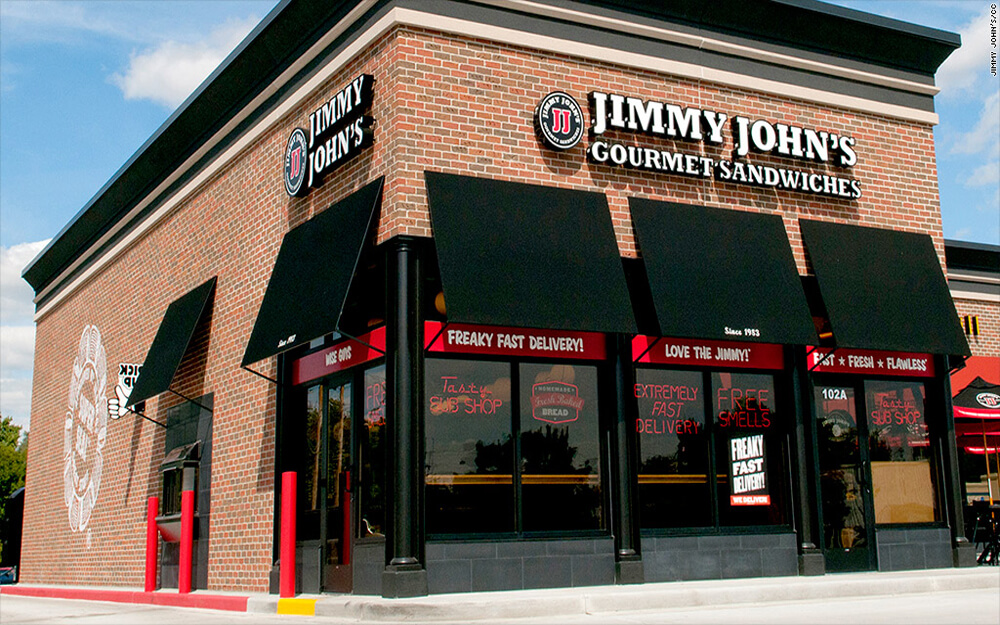
A Jimmy John’s franchisee owns several sub shops across Milwaukee, WI. This franchisee had a DVR in each shop so he was unable to view footage remotely from his cell phone, making it difficult to grasp overall operations of his business. After evaluating numerous companies, this franchise owner decided to implement
Read More »
SS-Logo-FI

Swift Sensors Integration

Eagle Eye Networks has recently partnered with Swift Sensors to amplify the experience for the customers of both companies’ cloud-based monitoring systems. The Swift Sensors Enhanced Video Notification places up to four images from multiple cameras in an email notification corresponding to the exact time of the notification event. Upon

Read More »
Local-Display-FI

Local Display via Browser Usage

Local Display A user with permission “Administrator” or “Edit All and Add” is required to enable Local Display. The user must sign into the Eagle Eye Networks Cloud, and from the Dashboard, click the gear icon next to the bridge to open Bridge Settings. Then, select the Local Display tab.

Read More »
Local-Display-FI

Local Display via Browser

Eagle Eye’s newest feature enables customers to view live video on their local area network without the need for cloud connectivity. This feature, named Local Display via Browser, enables users to sign directly into their local Bridge/CMVR instead of the Eagle Eye Cloud. Even without internet connectivity, viewing video is easy

Read More »
videonotespsd

Searchable Video Clip Notes

When saving a video clip, notes can be entered by the user that are searchable from the Notifications page. Notes can also be added, updated and changed, on the Notifications page within the retention period. Previously, to add notes to a downloaded clip, the video would have to be requested

Read More »
videonotespsd

Searchable Video Clip Notes Usage

Downloading and Download Notifications Video can be requested for downloading from the history browser. When a video is ready, it will appear under the notifications flag in the top right of the web interface. It will also appear on Notifications page with a link for downloading as well as a

Read More »
oakwood-high-school

Oakwood High School

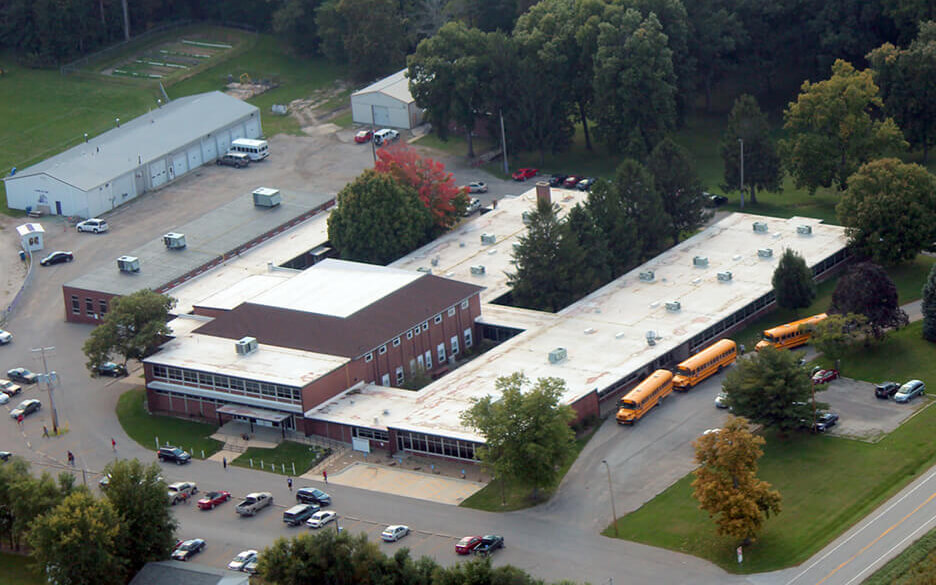
Oakwood High School did not have a video surveillance system on campus, so they did not have complete visibility into what was happening among their 300 students.  The principal was looking for a solution that would allow the staff to view multiple locations at once to ensure safety and to assist with resolving on-campus disputes.

Read More »
PoE-FI

Eagle Eye 303 & 403 Bridges now include managed PoE ports

Eagle Eye Networks has relaunched its rack-mountable 303 & 403 Bridges with new capabilities. The 303 & 403 Bridges now include managed PoE ports. Cameras can be remotely restarted within the camera settings tab of the Eagle Eye user interface. Any individual port or all ports can be power cycled.

Read More »
CIO Review-FI

Simplified Video Security via Eagle Eye Networks

CIO Review states organizations seek enhanced features for security cameras in which Eagle Eye Networks a cloud based security system can provide for organizations. Eagle Eye Networks video surveillance provides real-time video for first responders during an emergency. In addition, additional features of email and notification system informs of malfunction

Read More »
ludicrous-speed-FI

Delivering at Ludicrous-Velocity

An account of how Continuous Delivery enabled us to quickly diagnose and scale in response to recent issues with our Motion Notification system. While chasing a wild goose on my adventure, I accidentally gathered some Gevent benchmarks worth sharing. “They’ve gone plaid” — Spaceballs 1987 Click edit button to change this text.We

Read More »
PlanetFitness pfi

Planet Fitness

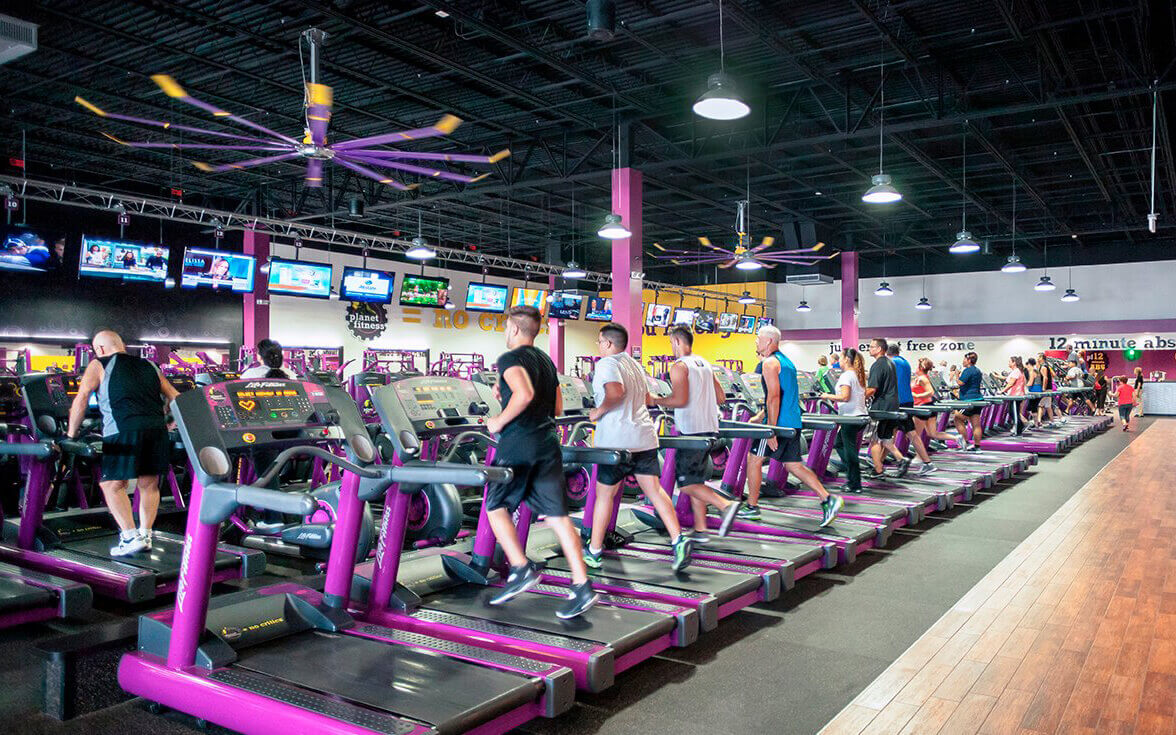
A Planet Fitness franchisee owns 9 clubs across Southern California and was forced to drive to each location to access operations, staffing, and overall club performance. All of the traveling time proved very inconvenient and time-consuming. This franchisee was looking for a solution that allowed him to remotely monitor his

Read More »
305

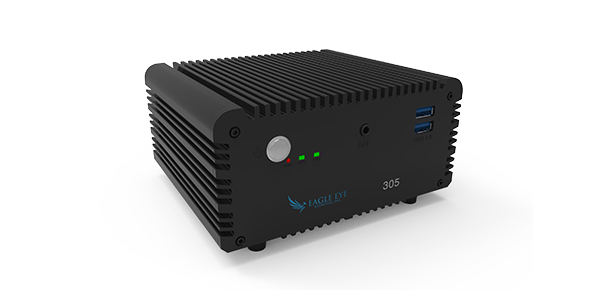
Eagle Eye Networks, Inc. Launches the Eagle Eye Bridge 305

Eagle Eye Bridge 305 includes four managed PoE ports and has a wide operational temperature range. Austin, TX – Eagle Eye Networks, Inc. today announced the immediate availability of the Eagle Eye Bridge 305 which is designed for demanding industrial applications and supports a wide operational temperature range. The Eagle Eye

Read More »
PoE-Switch-pr-320w

Eagle Eye Networks Launches Remote Camera Power Cycling

Users of the Eagle Eye Security Camera VMS can now remotely manage both camera and Eagle Eye network switches to reduce truck rolls and total dealer cost to serve. Austin, TX – Eagle Eye Networks, Inc. today announced the integration of its managed network switches to the Eagle Eye Security

Read More »
reboot-blog-image

Integrated Managed Switches Bridge PoE Ports

Eagle Eye launched a new feature within the Eagle Eye VMS that allows users to remotely power cycle cameras connected to ports on Eagle Eye managed switches and bridges. Any individual port or all ports can be power cycled. Eagle Eye managed bridges and switches appear in the Eagle Eye

Read More »