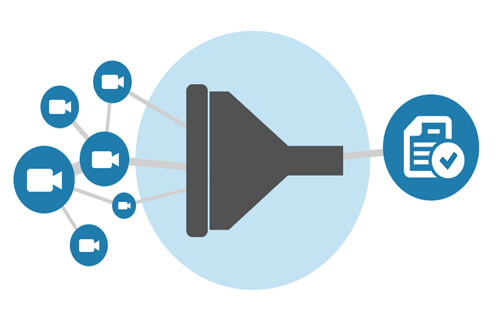
Eagle Eye Networks has enhanced the ability to find and view cameras across many locations. Typing the name, tag, location, or address will display results immediately in any view. Create a layout or save the filter for quick retrieval.
If you would like to have early access to this new feature, please contact our support team (+1-512-473-0501) and ask for dynamic filtering to be enabled on your account.
For a more in-depth look, please visit our Dynamic Filtering tech support blog.
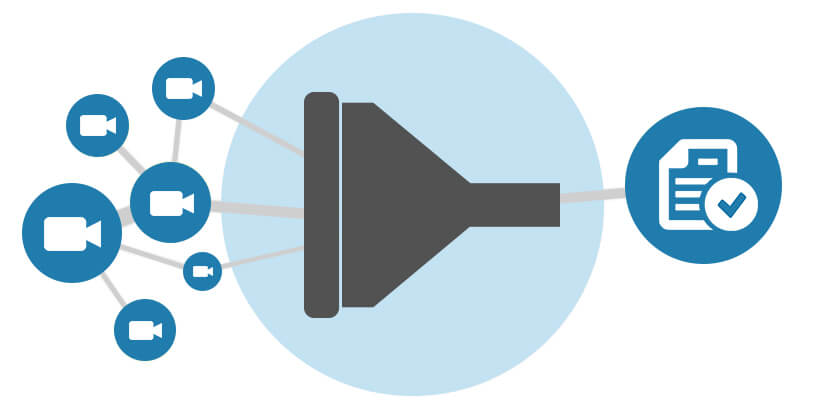

Since 2012, Eagle Eye Networks has provided smart cloud surveillance solutions, leveraging AI to drive natural language search, automation, and more. Eagle Eye’s camera-agnostic approach heightens security while saving money, time, and resources.
Other posts that might interest you

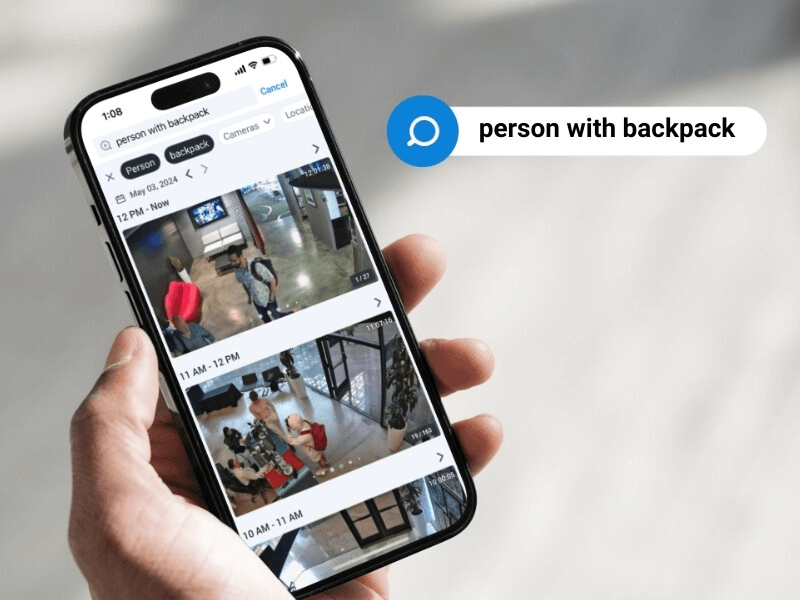
5 Cutting-edge AI technologies for video security
Every year seems to be “the Year of AI,” but this time, it seems to be actually true. And the benefits of this incredible new technology can be seen in…
May 14, 2024

How License Plate Recognition provides a seamless and safe parking experience
To run a parking operation successfully, you need to know what is happening in your lot or garage at all times and meet your visitors’ expectations for a seamless parking…
May 13, 2024

Cloud Security Summit Sets Attendance Record
Over 300 Eagle Eye Networks and Brivo reseller partners attended the 5th annual Eagle Eye Networks and Brivo Cloud Security Summit, setting an attendance record for the annual conference. The…
November 9, 2022