

Stay vigilant without compromising privacy with Face Match
Leverage your video cameras to catalog onsite visitors and get alerted if someone from your self-managed database is detected.
With Face Match, your cameras can identify and track people based on 50+ unique facial characteristics, collating all known appearances across all connected cameras. It also checks results against private, user-generated galleries and sends alerts if it finds a match.
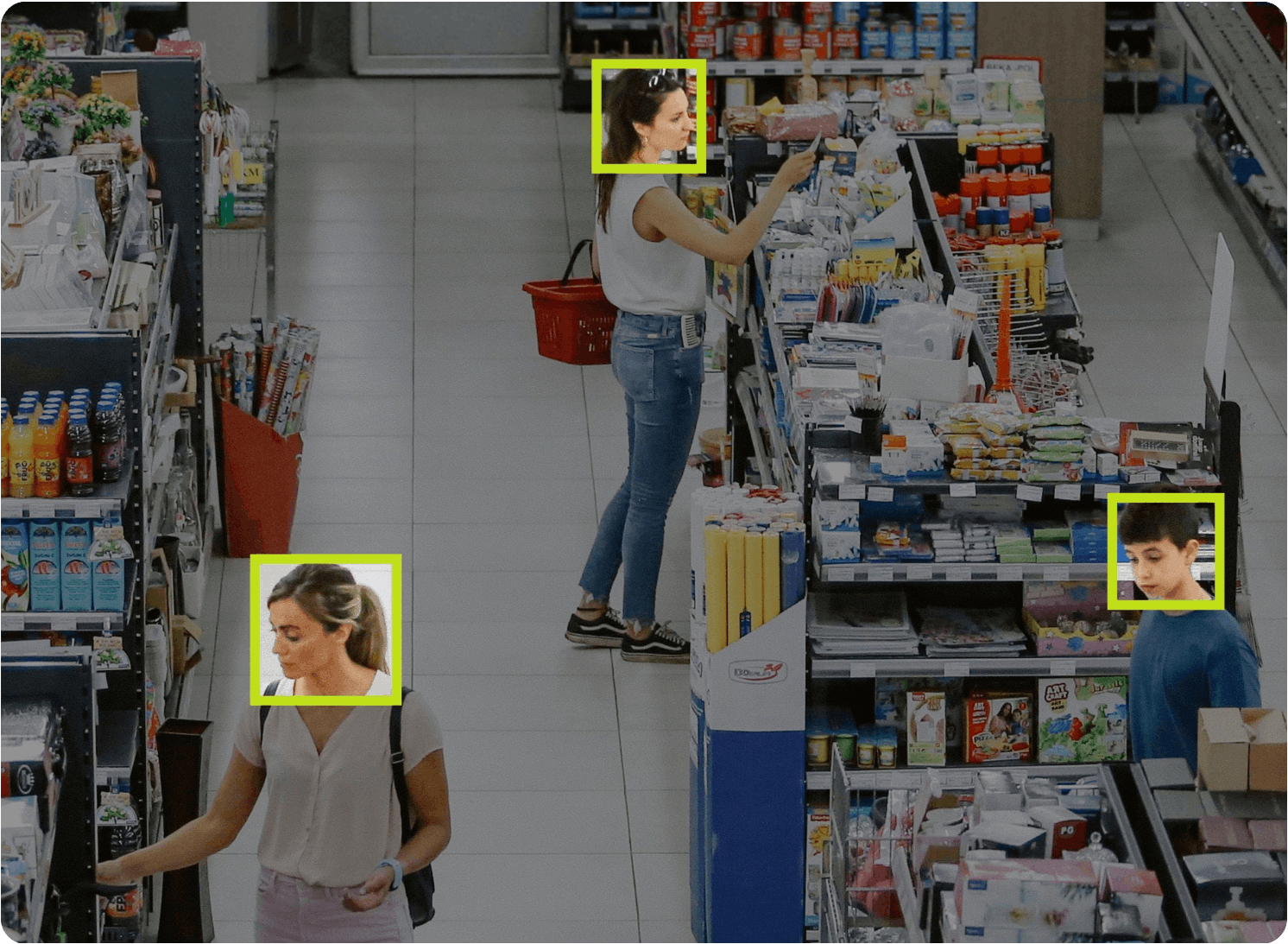
Get alerted when specific people are on premises.
Face Match is available through the Eagle Eye VMS and works with any camera, allowing it to be managed from anywhere. It comes with its own dedicated piece of hardware to leverage the cloud and the local network, reducing latency and increasing performance.
- View all video of a person of interest across connected cameras
- Accesses privately curated gallery to avoid privacy and liability concerns
- Get real-time alerts if a face from your watchlist is detected
- Compatible with all existing cameras through the Eagle Eye VMS
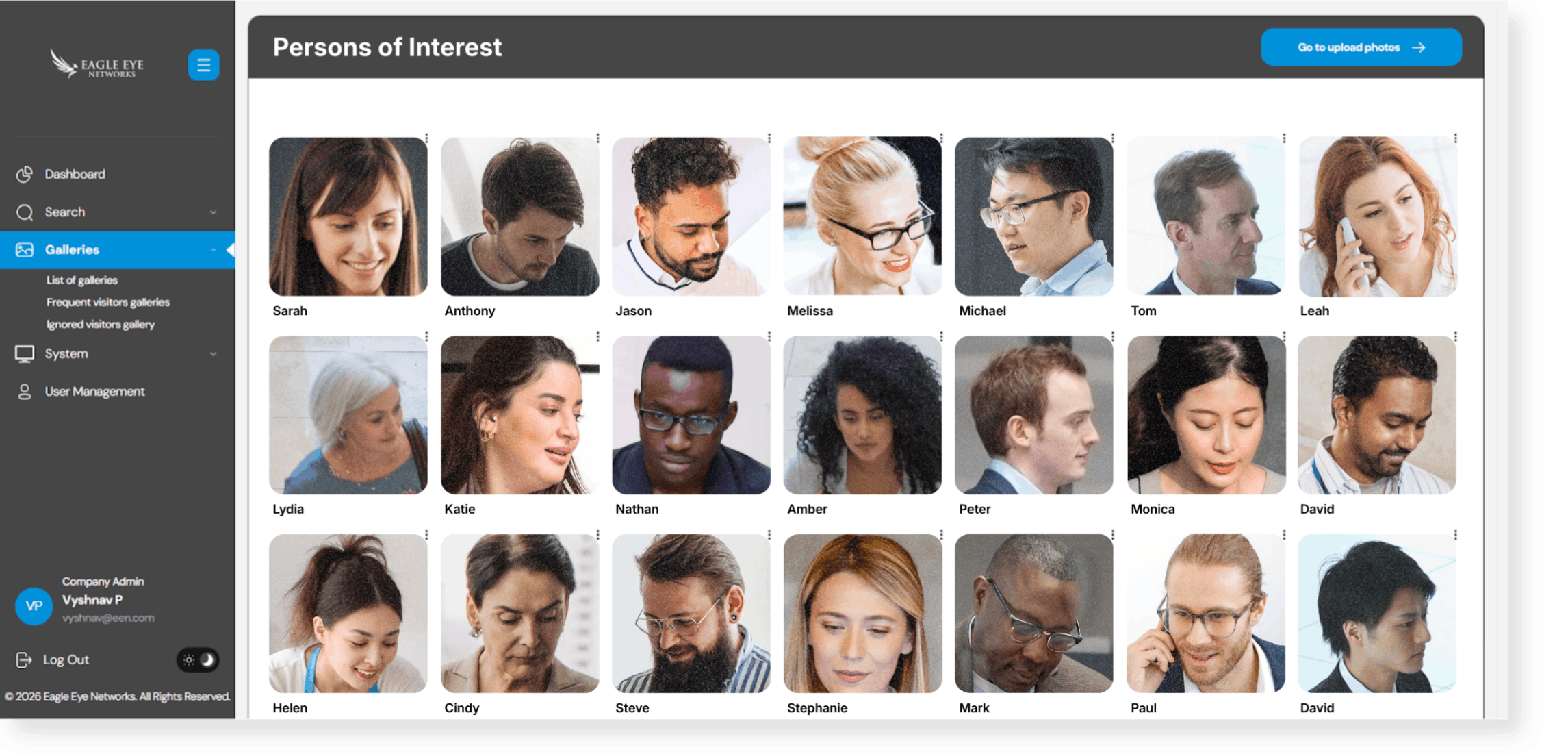
- Collates visitor profiles and enables curation of galleries to create real-time alerts
Continuous face detection
Face Match scans video from the cameras on your premises to automatically detect human faces to add to your custom gallery.

Customized gallery additions
Individual photos can be added to the gallery to recognize deactivated employees or contractors even before they appear on camera.

Classification and facial signature creation
To ensure compliance and protect privacy, faces are analyzed and used to create facial signatures, which are compared with faces detected in the future.

Signature-based recognition
With a self-managed gallery configured, Face Match will continuously analyze connected cameras’ video streams to spot faces and compare them to those in the gallery.
Automated alerts
Works with existing security infrastructures to automate immediate threat responses and lockdown procedures.
How Face Match works
Face Match only accesses user-created galleries to ensure your organization remains compliant with strict privacy standards and focuses solely on the individuals who matter to your business.

Step 1Face Match uses an algorithm that has been field-tested for 40+ years for border protection, security, and SmartGate authorization.
Face Match uses an algorithm that has been field-tested for 40+ years for border protection, security, and SmartGate authorization.
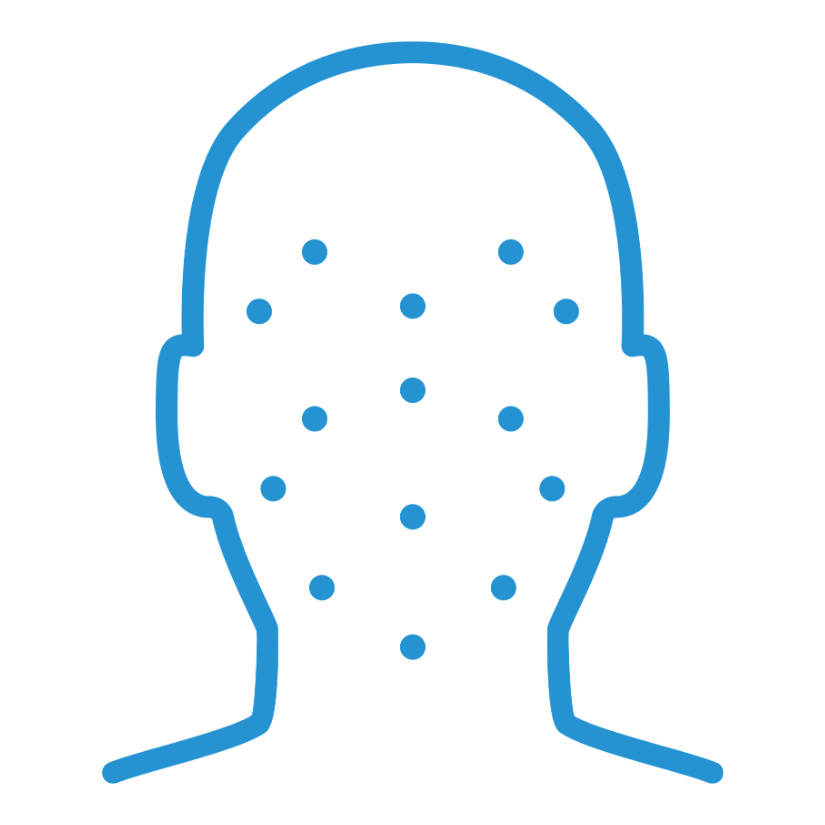
Step 2It scans video for faces and then creates optimized, time-stamped events for each one based on 50+ unique facial characteristics.
It scans video for faces and then creates optimized, time-stamped events for each one based on 50+ unique facial characteristics.

Step 3The platform then records the scanned events and matches them against customizable image galleries.
The platform then records the scanned events and matches them against customizable image galleries.
Use cases
Face Match’s customizable galleries with configurable alerts make it useful for many businesses:
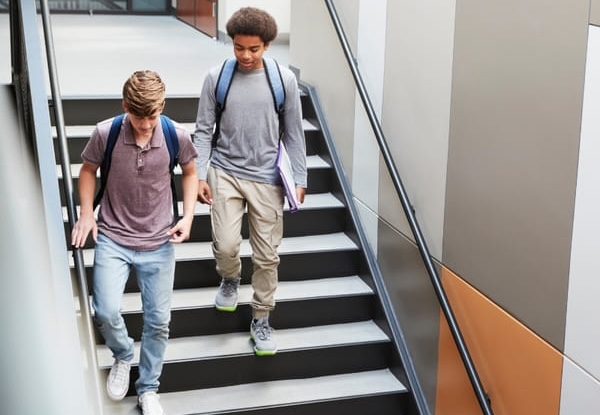
Policy enforcement and campus safety
Terminated employees, expelled students, or disgruntled former clients

Vulnerable population protection
Memory care residents, after-hours service personnel, or special education students

Site security and loss prevention
Known vandals, repeat loiterers, and recorded thieves
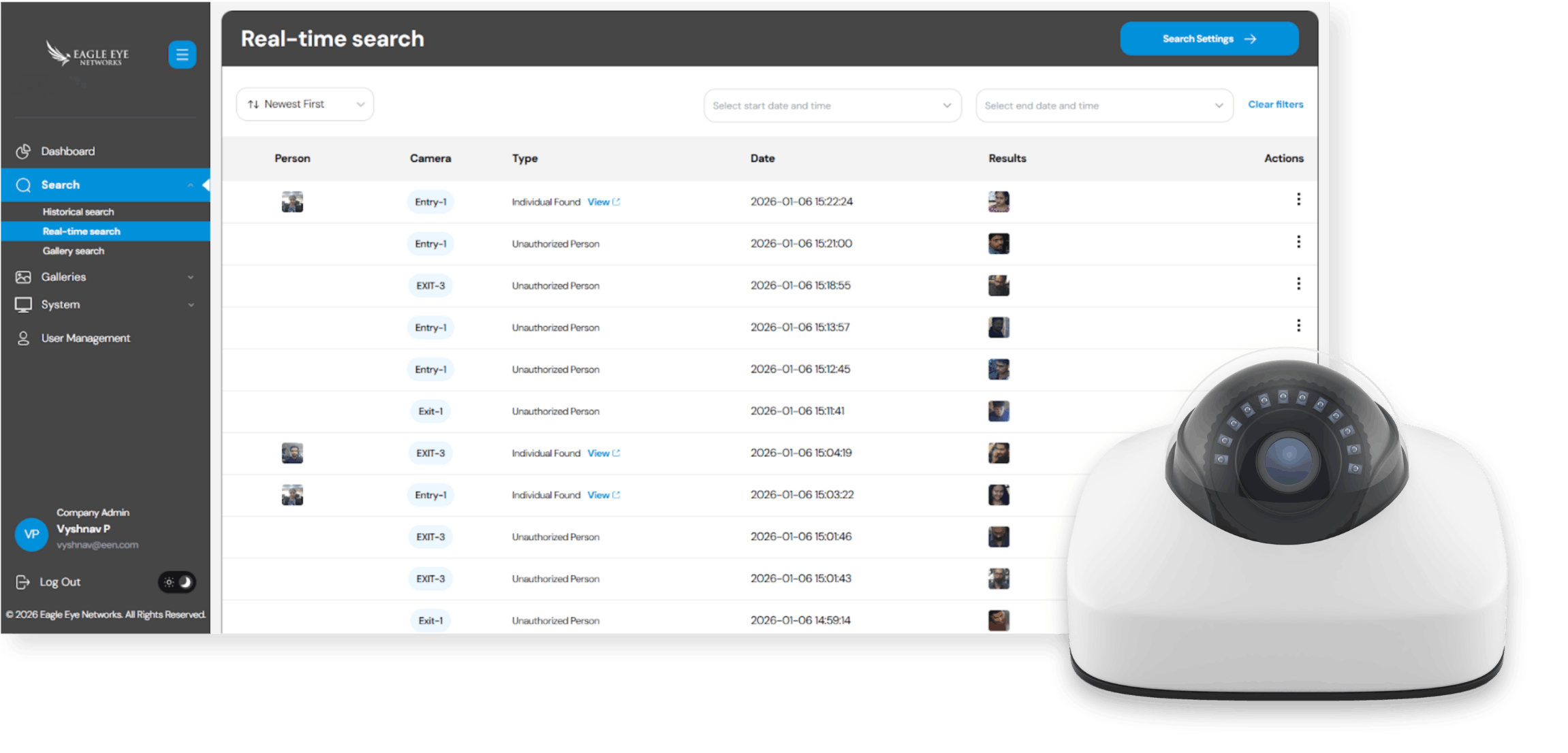
Face Match is available through Eagle Eye Complete.
Face Match is only available as an Eagle Eye Complete subscription, so there’s minimal initial investment. It also comes with Lifetime Repair & Replace coverage, so you get peace of mind with comprehensive equipment coverage for as long as you subscribe. Note: The FMU and Face Match can be added to any bridge or CMVR, whether or not it is on Complete.
Technology requirements
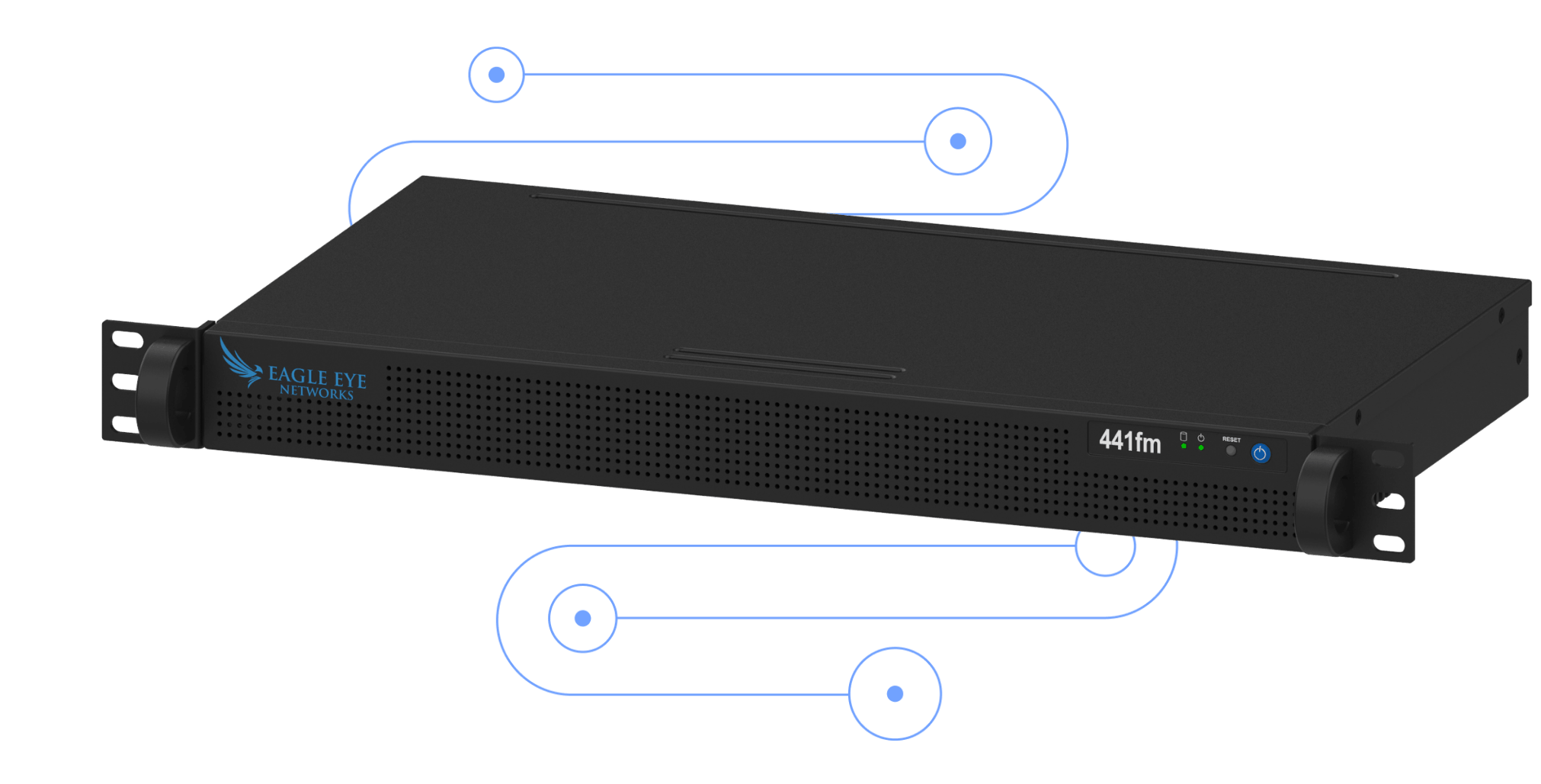
Face Match is powered by a bridge-connected FMU device, which enables on-site image processing for up to 8 cameras. Any camera connected to this device and its supporting Bridge/CMVR can be configured through the Eagle Eye VMS to enable Face Match. NOTE: To ensure Face Match has the optimal angle, cameras using this technology should be set up only slightly above eye level, not higher than 2.5 Meters or 8 ft.
