
We’ve added a new gallery viewer feature to the Eagle Eye Security Camera VMS, making viewing historic video easier and more intuitive than ever.
When looking through previously recorded video, it is easier to navigate if you have more visibility– especially if you’re looking with a purpose. Our gallery viewer provides just that.
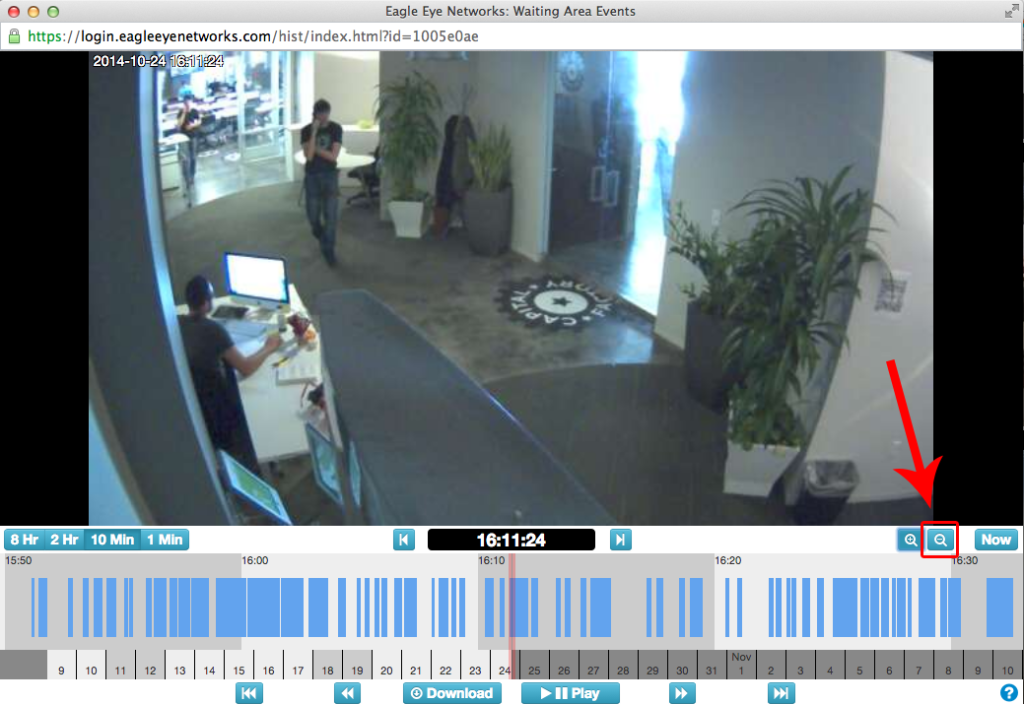
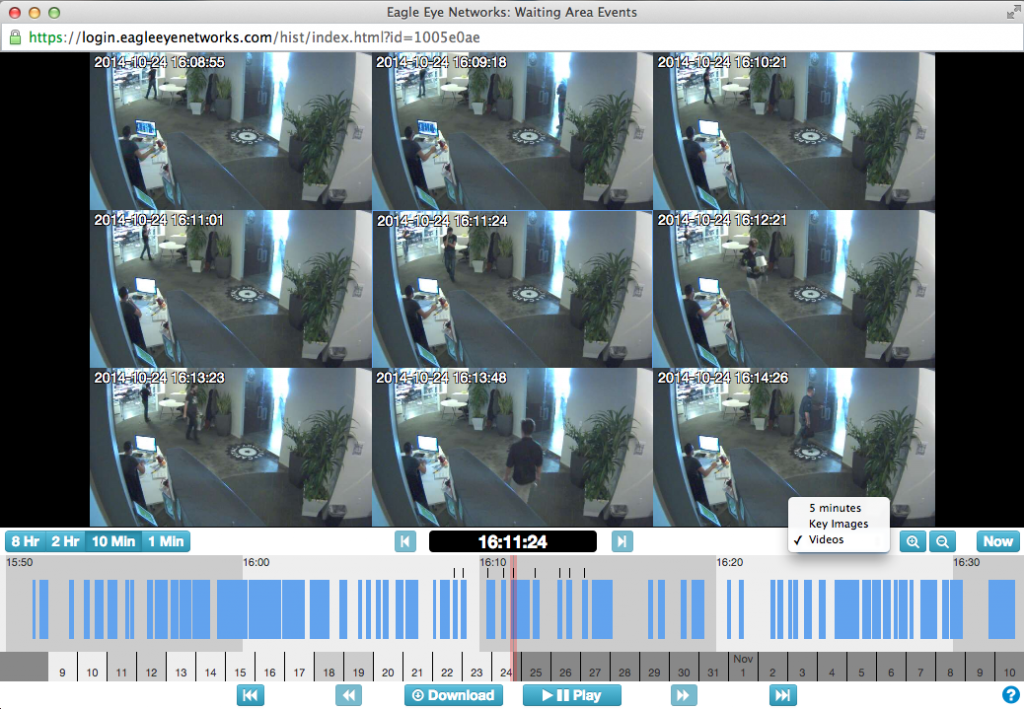
After clicking the “zoom out” button, the gallery viewer appears. It shows frames from surrounding video– giving the options of seeing images from 5 minute intervals, key images, or actual video. In these screenshots, we’ve chosen “video” which means that the frames shown are clips of the most immediate motion-detected video.
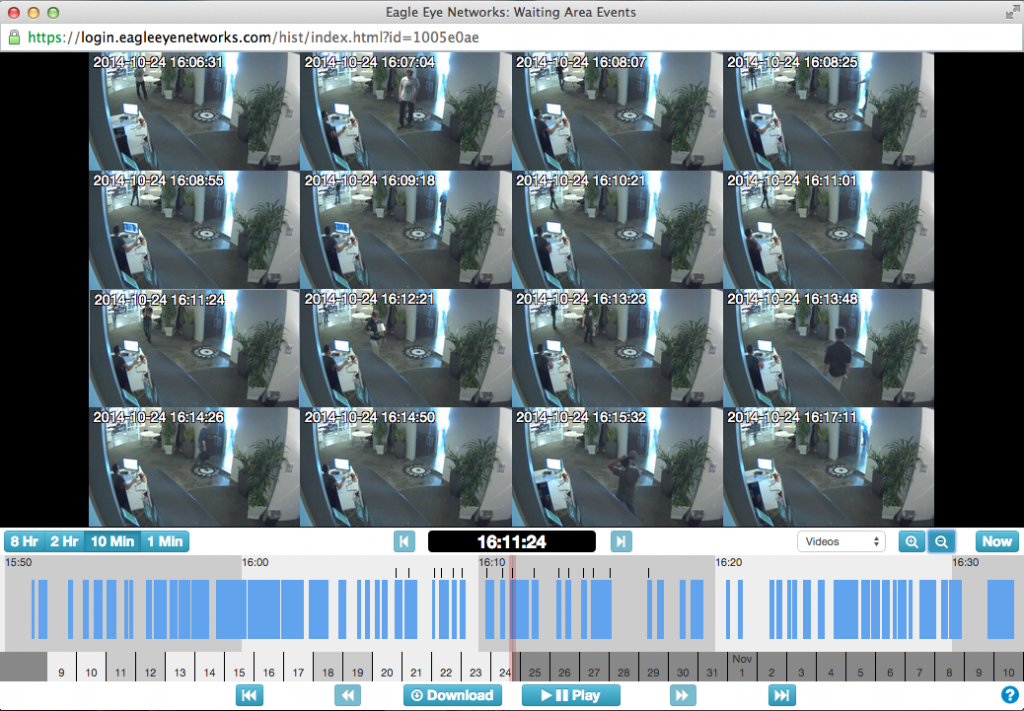
If you continue to click the zoom out button, you can see even more frames, up to 25 different frames from the same camera in the same screen.
あなたに興味があるかもしれない他の投稿


How License Plate Recognition provides a seamless and safe parking experience
To run a parking operation suc…
5月 13, 2024