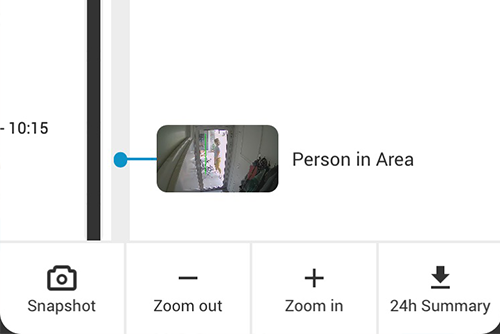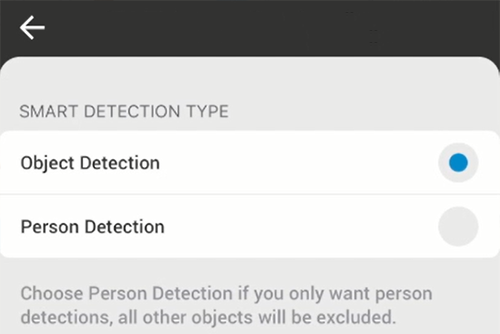
Eagle Eye CameraManager launched an exciting new feature – Person Detection. Now, Eagle Eye CameraManager can distinguish between a person and an object.
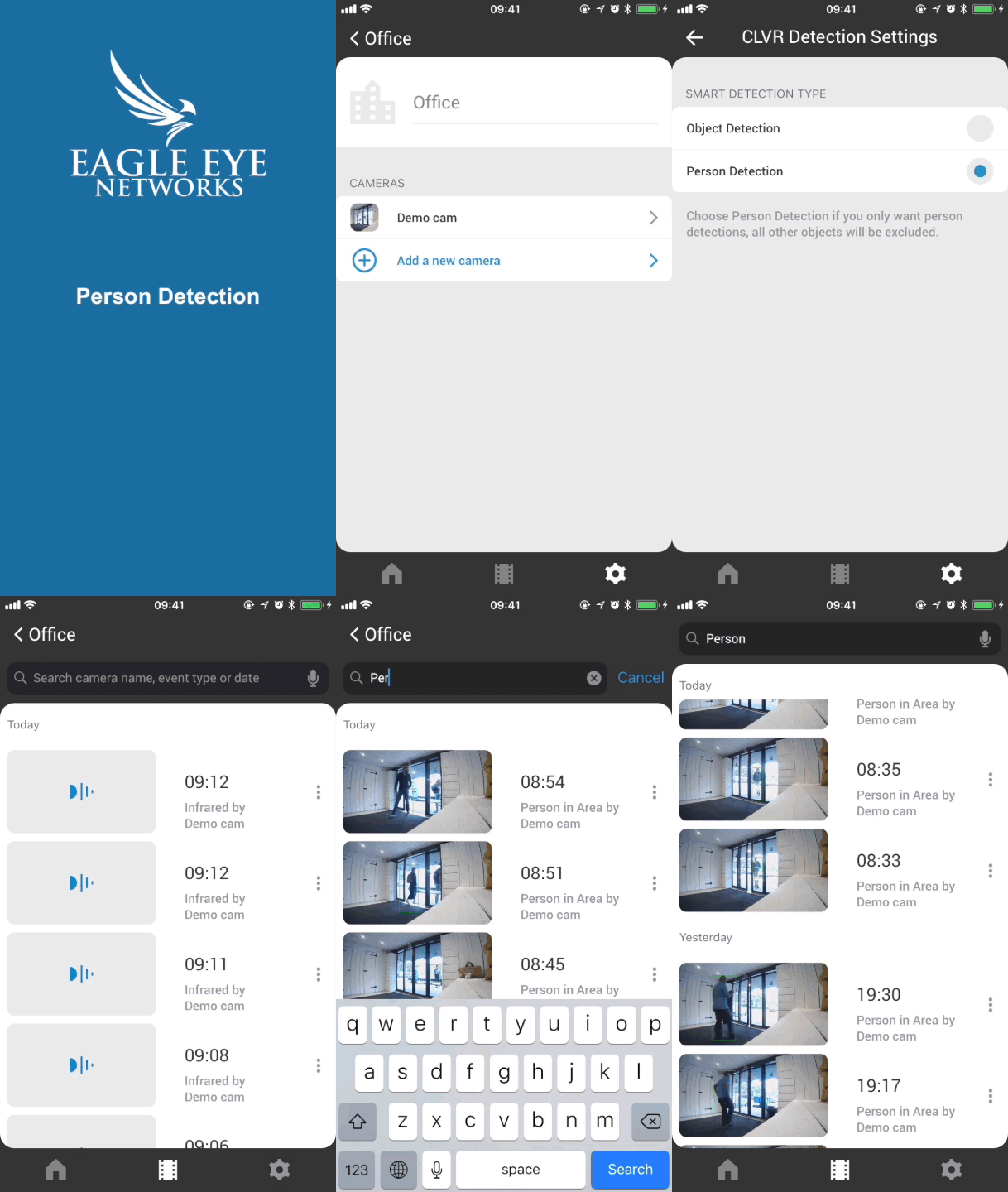
Detection Settings
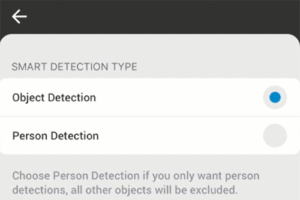
To change the detection settings, first go to the Eagle Eye CameraManager mobile app. Once in the mobile app, choose notification settings, then select Detection Settings.
Search & Filter
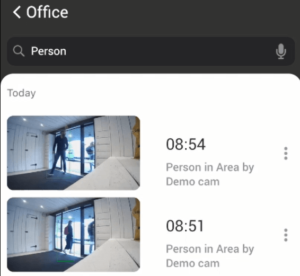
All events will be displayed in the event playlist. The event playlist list available in the middle tab when in the camera view. Thanks to the search bar and the improved Smart Detection, users can easily search and filter specific events. Simply enter ‘Person’ and instantly view all Person Detections from that camera.
API integration & Availability
Person and Object detection is available for Eagle Eye CameraManager users and partners, including partners that integrated our REST API. These new features can be used on all Eagle Eye Cloud Cameras and Eagle Eye NuboCameras, as well as all accounts that have Smart Video Detection enabled. Contact our Product or Sales Team for more information on this new feature.
Contact Us

Since 2012, Eagle Eye Networks has provided smart cloud surveillance solutions, leveraging AI to drive natural language search, automation, and more. Eagle Eye’s camera-agnostic approach heightens security while saving money, time, and resources.
あなたに興味があるかもしれない他の投稿