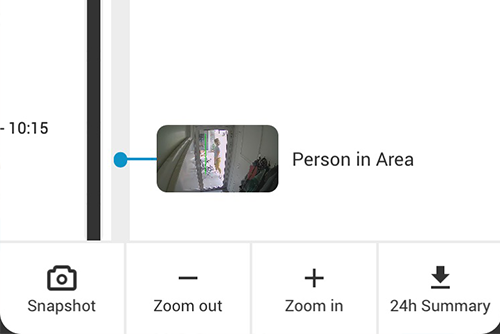
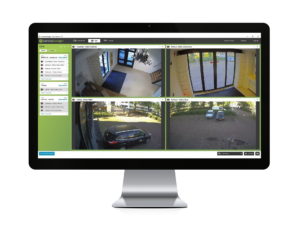
With Eagle Eye CameraManager comes a desktop application which you can install and run on your local machine. Because it’s a local application the application contains the most advanced features and is very responsive. After startup, it doesn’t have to load any pages like in the web browser. When you are viewing live video with the desktop client, it will try to directly connect the camera to get a second high-quality video stream next to the video stream used for recording in the Cloud. This feature is also known as LocalLink.
Benefits
The benefit is that if you are on the same local network you get a very high-quality stream without consuming a lot of internet bandwidth and affecting other users of the internet connection. This is especially useful for security employees which are constantly monitoring their cameras and get the highest possible video quality with very low delay. You can get all the benefits of reliable Cloud recording and still get the direct live stream in the Eagle Eye CameraManager.
Pro Tip
In the desktop client, you can change the live settings, this is only applicable for the live viewing via LocalLink. In case the desktop client cannot reach the cameras directly it will use the video stream via the Cloud. In this case, the “Footage settings” are applicable to the live video as well.
Since 2012, Eagle Eye Networks has provided smart cloud surveillance solutions, leveraging AI to drive natural language search, automation, and more. Eagle Eye’s camera-agnostic approach heightens security while saving money, time, and resources.
あなたに興味があるかもしれない他の投稿