

We strive to make our mobile experience as simple and intuitive as possible. One way we achieve this is by having similar user experiences on all platforms. We are pleased to announce that we have updated our Android and iOS apps to use the same side menu from the Web.
After logging in, you will notice a side menu icon in the upper-left hand corner, press it to reveal the side menu.
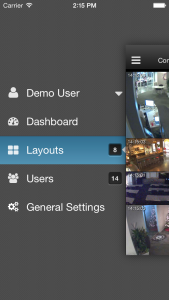
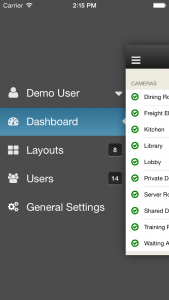
Next, press the Dashboard side menu item to bring up the cameras and bridge dashboard. There, you can add, delete, and configure cameras and bridges.
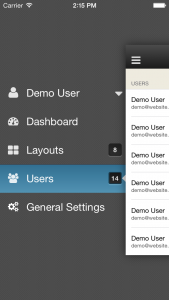
After that, press Users to bring up the users dashboard. From there, you can add and delete users and adjust user permissions.
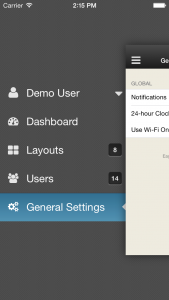
Press General Settings to bring up additional settings.
And finally, press the current user to bring up additional options, including the option to rate the mobile app.
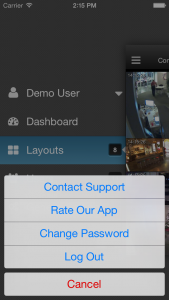
There you have it, an intuitive user interface that is found on Android, iOS, and the Web.

Since 2012, Eagle Eye Networks has provided smart cloud surveillance solutions, leveraging AI to drive natural language search, automation, and more. Eagle Eye’s camera-agnostic approach heightens security while saving money, time, and resources.
あなたに興味があるかもしれない他の投稿