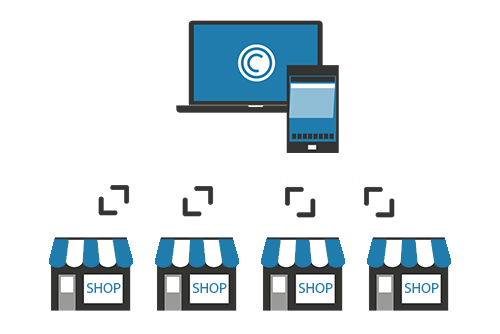
With Eagle Eye CameraManager you can manage cameras at multiple locations in one single overview. Because all the cameras connect to the cloud you can easily manage all the cameras from one place.
Zones
For each location, you can create a zone with the corresponding (optional) contact information. In the live view, you can load the cameras for the zones in one overview or you can choose to view cameras from multiple locations. For each zone you can manage the status of the cameras, you can configure when the cameras are recording and when not.
For example, as a manager of a retail chain with 8 locations you can easily get the overview of all your location and make sure if everything is going according to plan. You can verify if shops are open on time and monitor if nothing strange is happening in the shops from one single location.
Contact Sales

Since 2012, Eagle Eye Networks has provided smart cloud surveillance solutions, leveraging AI to drive natural language search, automation, and more. Eagle Eye’s camera-agnostic approach heightens security while saving money, time, and resources.
あなたに興味があるかもしれない他の投稿