

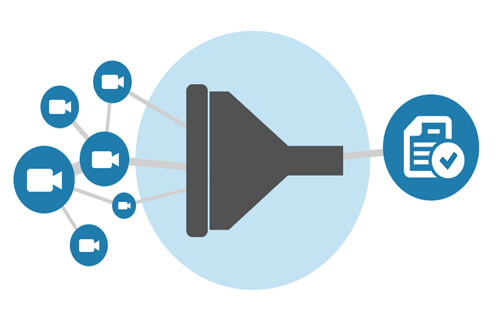
Eagle Eye networks hat die Fähigkeit Kameras über mehrere Standorte zu finden und auf sie zuzugreifen weiter ausgebaut. Durch Eingeben des Namens, Etiketts, Standortes oder Adresse, wird die Anzeige automatisch gefiltert und Ergebnisse in jedem View angezeigt. Für einen schnellen Zugriff kann man Filter oder Layouts speichern.
Wenn du, als einer der Ersten, Zugriff auf diese Funktion erhalten möchtest, kontaktiere unserer Support Team (+31 20 26 10 460) und lass Dynamic Filtering für deinen Benutzer aktivieren.
Für mehr Informationen, besuche den Dynamische Filterung tech support blog.
Andere Beiträge, die Sie interessieren könnten

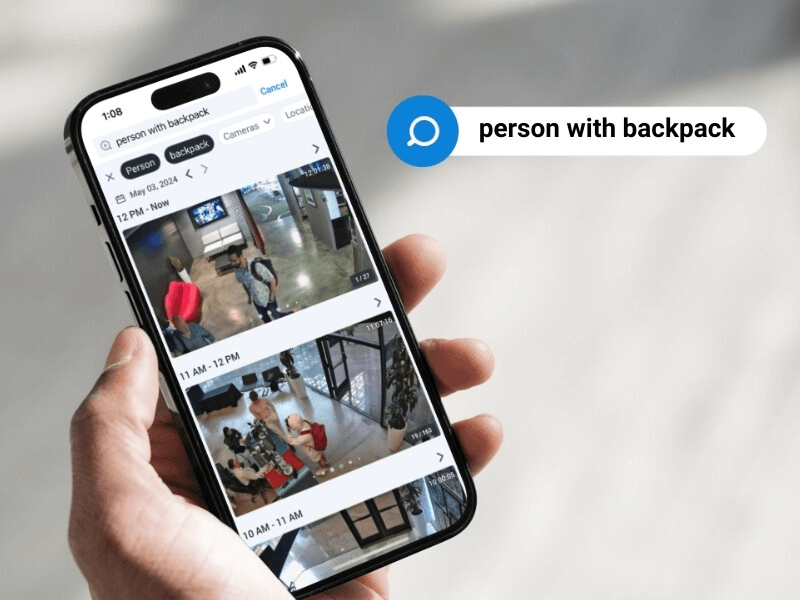
5 Cutting-edge AI technologies for video security
Every year seems to be “the Year of AI,” but this time, it seems to be actually true. And the benefits of this incredible new technology can be seen in…
Mai 14, 2024

How License Plate Recognition provides a seamless and safe parking experience
To run a parking operation successfully, you need to know what is happening in your lot or garage at all times and meet your visitors’ expectations for a seamless parking…
Mai 13, 2024

Cloud Security Summit Sets Attendance Record
Over 300 Eagle Eye Networks and Brivo reseller partners attended the 5th annual Eagle Eye Networks and Brivo Cloud Security Summit, setting an attendance record for the annual conference. The…
November 9, 2022
