


Our customers have asked for a little help with navigating the camera settings. We listened- and delivered. There is now a question mark icon (as indicated in the image below) that opens up a new window with detailed and guided help.
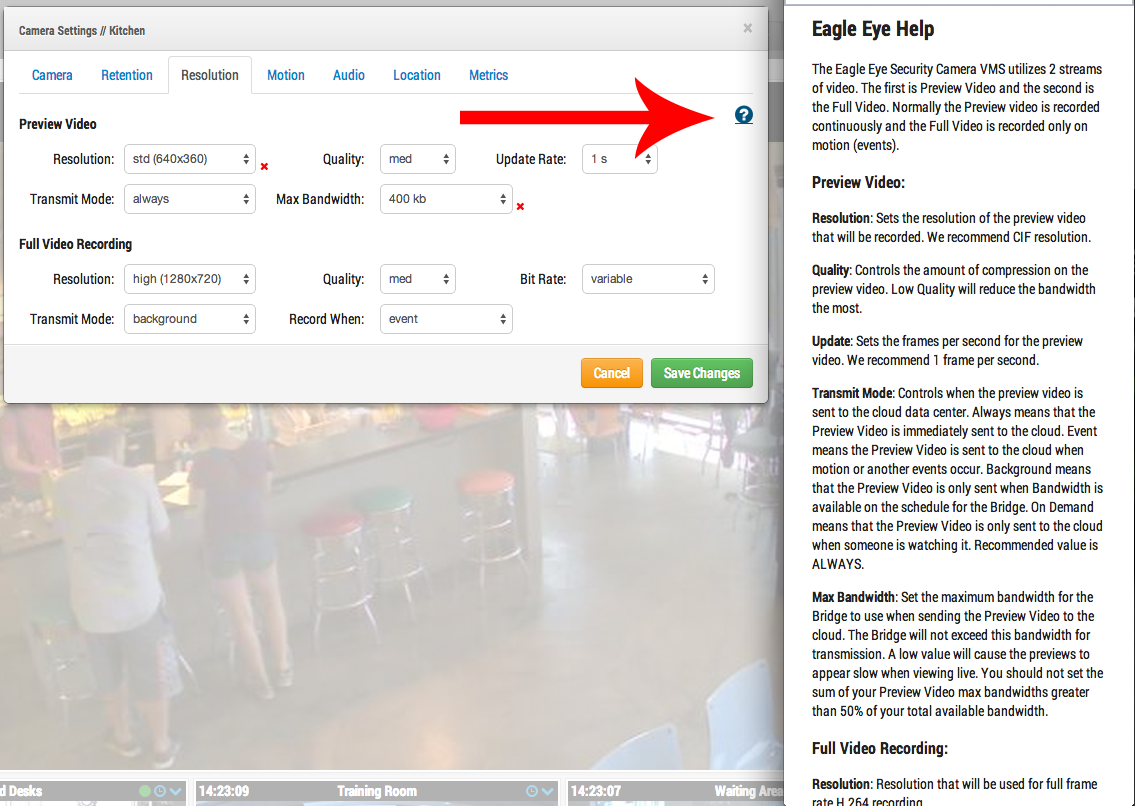
Each of the camera setting tabs (camera, retention, resolution, etc.) has a different, custom help screen.
We really appreciate feedback and together we’ll make our the best there is.
Andere berichten die u mogelijk interesseren

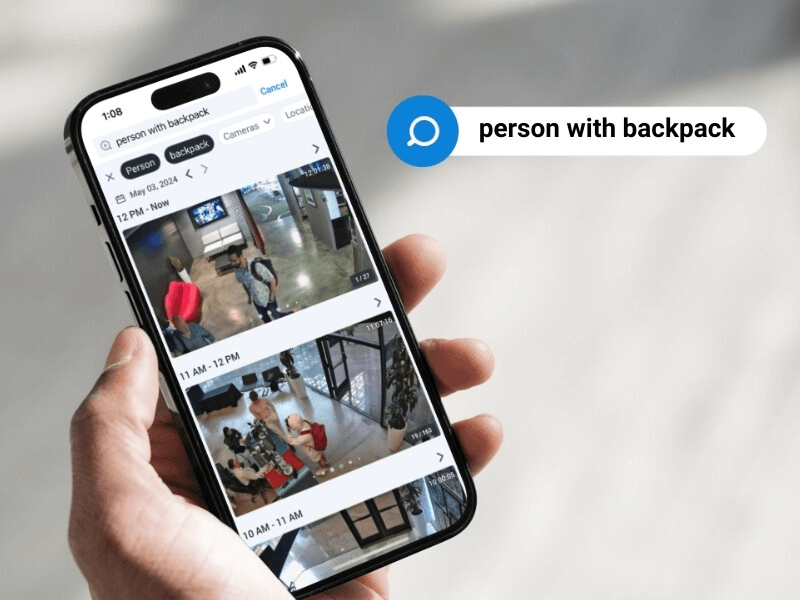
5 Cutting-edge AI technologies for video security
Every year seems to be “the Year of AI,” but this time, it seems to be actually true. And the benefits of this incredible new technology can be seen in…
mei 14, 2024

How License Plate Recognition provides a seamless and safe parking experience
To run a parking operation successfully, you need to know what is happening in your lot or garage at all times and meet your visitors’ expectations for a seamless parking…
mei 13, 2024

Cloud Security Summit Sets Attendance Record
Over 300 Eagle Eye Networks and Brivo reseller partners attended the 5th annual Eagle Eye Networks and Brivo Cloud Security Summit, setting an attendance record for the annual conference. The…
november 9, 2022
