
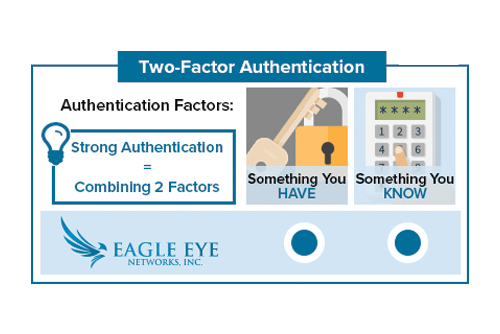
Two Factor Authentication Configuration
Enabling Two Factor Authentication In the top right corner of the Eagle Eye Networks web interface, click on your username and select “My Profile.” Check the box labeled Two Factor Authentication and follow the prompts to enable. Don’t forget to save your changes. If a phone number has not been