

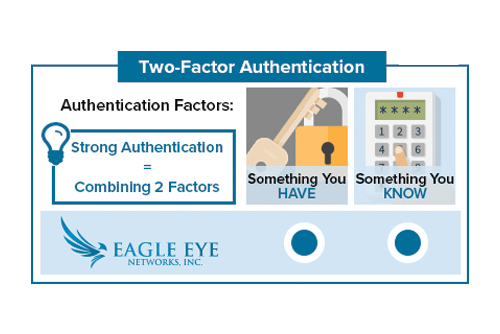
With Two Factor Authentication, an Eagle Eye Networks account can only be accessed on a trusted device. When a user wants to log into a new device for the first time, the user will need to provide two pieces of information – a password and a four-digit security code. The security code must be obtained via a trusted phone number or an email address.
Once signed in, the Eagle Eye user will not be asked for a security code on the authenticated device again unless the user signs out completely, deletes the device, or needs to change the password for security purposes. To ensure your security, Eagle Eye Networks recommends using Two Factor Authentication on every account.
To enable this feature, open “My Profile” located in the upper right corner of the Eagle Eye web interface:
 Check the box labeled “Two Factor Authentication” and follow the prompts to enable: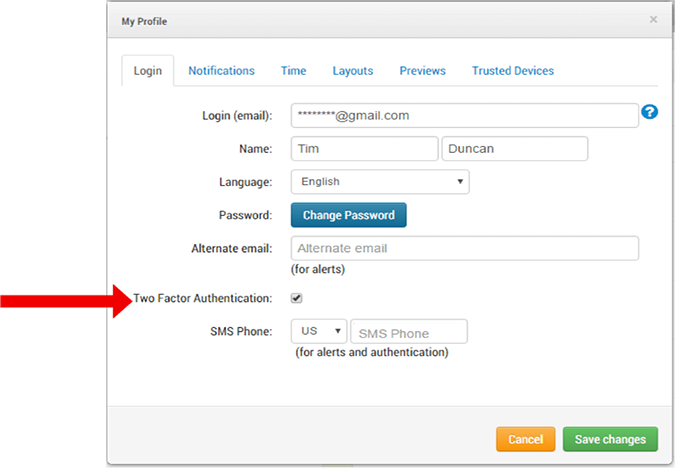
For a more in-depth look, please visit our Two Factor Authentication tech support blog.

Since 2012, Eagle Eye Networks has provided smart cloud surveillance solutions, leveraging AI to drive natural language search, automation, and more. Eagle Eye’s camera-agnostic approach heightens security while saving money, time, and resources.
Andre innlegg som kan interessere deg

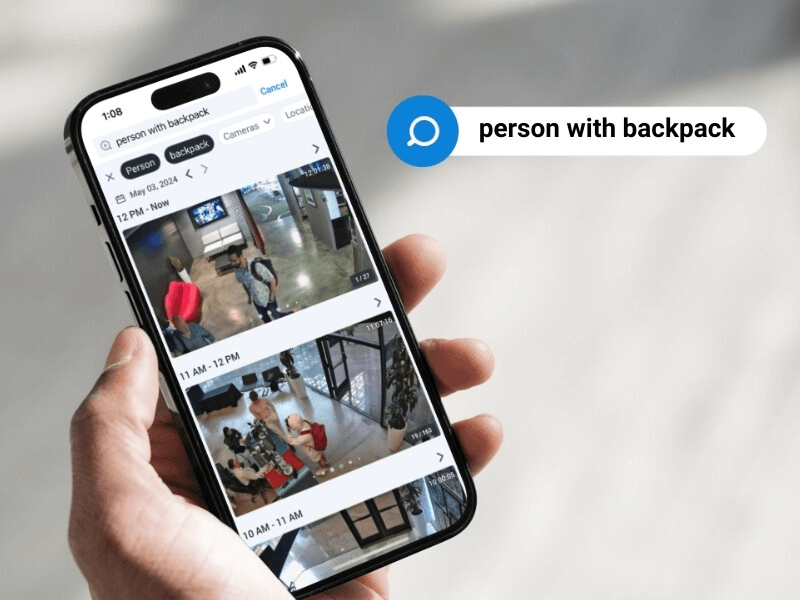
5 Cutting-edge AI technologies for video security
Every year seems to be “the Year of AI,” but this time, it seems to be actually true. And the benefits of this incredible new technology can be seen in…
mai 14, 2024

How License Plate Recognition provides a seamless and safe parking experience
To run a parking operation successfully, you need to know what is happening in your lot or garage at all times and meet your visitors’ expectations for a seamless parking…
mai 13, 2024

Cloud Security Summit Sets Attendance Record
Over 300 Eagle Eye Networks and Brivo reseller partners attended the 5th annual Eagle Eye Networks and Brivo Cloud Security Summit, setting an attendance record for the annual conference. The…
november 9, 2022
